laravel框架学习---Eloquent和Controller的结合
实现的功能:控制器Controller 从数据库取出内容,并把信息返回给 view 层。
eg:这里使用上一节所建的 Article 表信息,获取文章内容,并显示内容到页面。
我们使用Laravel项目的artisan命令行工具先启动一下项目,执行命令:php artisan serve
D:\software\wamp64\www\laravel5>php artisan serve
我们打开 web.php文件,先定义一个路由 : 当我们访问 articles时,访问 ArticlesController 控制器的 index方法。
Route::get('/articles', 'ArticlesController@index');然后借助 artisan 命令行工具 去创建一个 ArticlesController 控制器,执行一下命令:php artisan make:controller ArticlesController,可以看到 app\Http\Controllers 目录下新生成了一个ArticlesController.php文件!
D:\software\wamp64\www\laravel5>php artisan make:controller ArticlesController
Controller created successfully.
打开该控制器,新添加一个index方法。随便return一些信息。
浏览器访问上述 路由:http://localhost:8000/articles ,看到 return的信息,说明路由这一步没有问题。
再index方法读取数据库信息之前,我们需要先 引用Article 这个类,即 use App\Article !!!!
namespace App\Http\Controllers;

use App\Article;
use Illuminate\Http\Request;

class ArticlesController extends Controller
{
    //
    public function index()
    {
        $articles = Article::all();

        $d = $articles->toArray();
        return $d;
    }
}
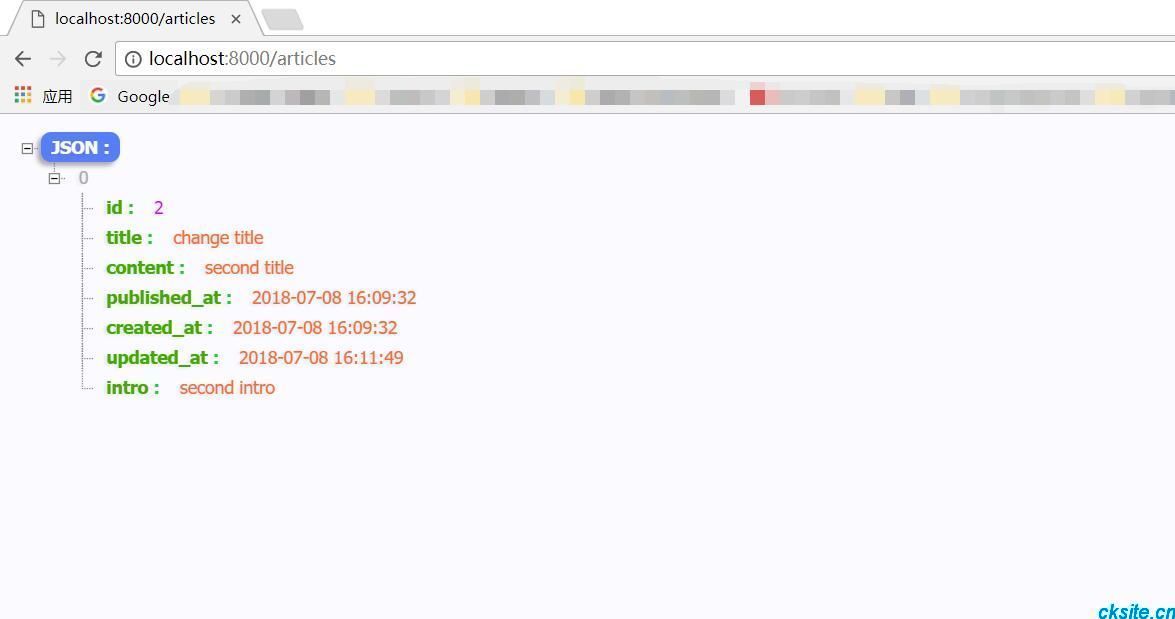
再次访问浏览器 http://localhost:8000/articles ,即可看到输出的 json信息, 数据库默认返回的是json信息(对我们去做一些api接口也是挺友好的)
现在,加载一个视图,把数据变量信息传给视图。
修改上述 ArticlesController 控制器 index()方法:
namespace App\Http\Controllers;

use App\Article;
use Illuminate\Http\Request;

class ArticlesController extends Controller
{
    //
    public function index()
    {
        $articles = Article::all();

        return view('articles.index', compact('articles'));
    }
}
接下来,在 resources\views 文件夹中创建 articles\index.blade.php 视图文件。显示所有的文章,编辑内容:
@extends('app')
@section('content')
    <h1>article</h1>
    @foreach($articles as $article)
        <h2>{{ $article->title }}</h2>
        <article>
            <div class="body">
                {{$article->content}}
            </div>
        </article>
    @endforeach
@stop 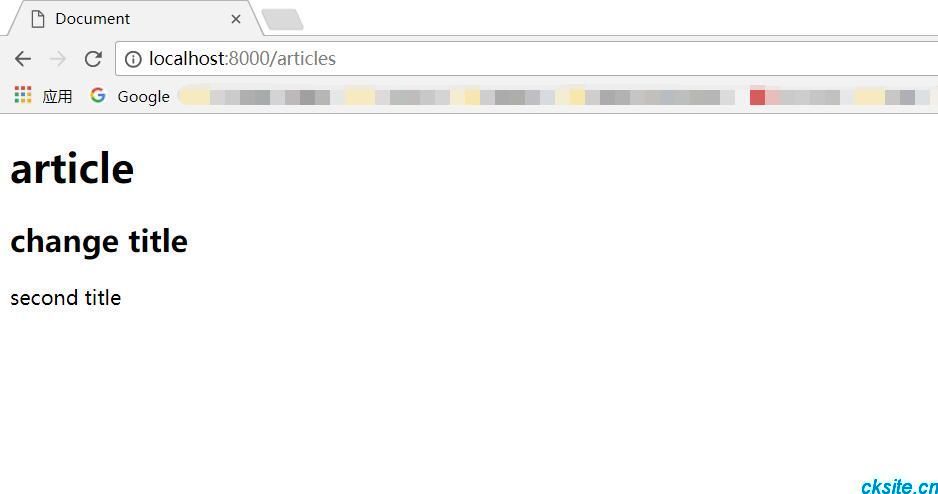
现在修改页面,当我们点击时,跳转到文章详情,也就是具体的某一篇文章。
同样先 注册 ----查看文章详情 路由。跳转到 ArticlesController 控制器show()方法。
Route::get('/articles/{id}', 'ArticlesController@show');然后,控制器添加 show()方法,编辑内容:
namespace App\Http\Controllers;

use App\Article;
use Illuminate\Http\Request;

class ArticlesController extends Controller
{
    //
    public function index()
    {
        $articles = Article::all();

        return view('articles.index', compact('articles'));
    }

    public function show($id)
    {
        $article = Article::find($id);
        var_dump($articles);
        return view('articles.show', compact('article'));
    }
}
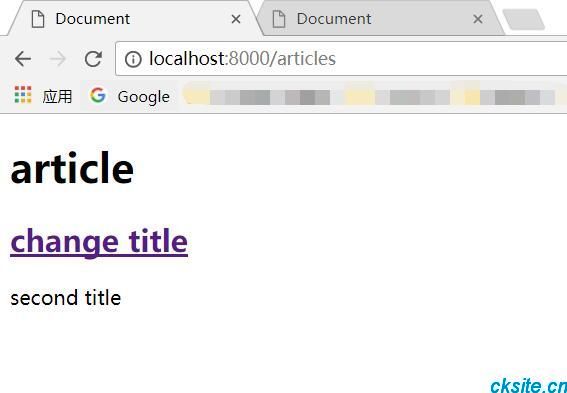
修改 index.blade.php 模板视图,点击title跳转到文章具体详情页,修改文章title:
<h2><a href="/articles/{{ $article->id}}">{{ $article->title }}</a></h2>注意:该链接有以下几种方式:
<h2><a href="/articles/{{ $article->id}}">{{ $article->title }}</a></h2>
<h2><a href="{{ url('articles', $article->id)}}">{{ $article->title }}</a></h2>
<h2><a href="{{ action('ArticlesController@show',[$article->id]) }}">{{ $article->title }}</a></h2>
创建 show.blade.php 模板视图,然后 编辑内容:
@extends('app')
@section('content')
    <h1>{{ $article->title }}</h1>

    <article>
        <div class="body">
            {{$article->content}}
        </div>
    </article>
@stop
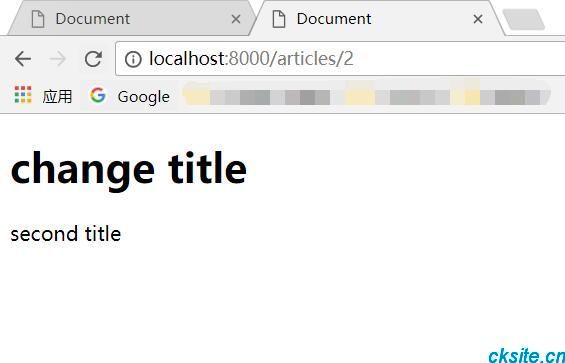
浏览器访问 http://localhost:8000/articles ,点击链接,查看文章详情:
假如访问一个不存在的文章id,会发现页面报错,我们可以使用: dd($var); 来查看输出错误信息,
或使用 Laravel提供的另外一个方法:
Article::findOrFail($id);
本文为崔凯原创文章,转载无需和我联系,但请注明来自冷暖自知一抹茶ckhttp://www.cksite.cn

- 最新评论
- 总共0条评论